Em Client Email Authorized Reseller
Em Client Email Authorized Reseller
Couldn't load pickup availability
Powerful email client helps you stay organized with integrated Calendar and Tasks, ensuring you never miss an important deadline or appointment. Em Client takes your security seriously, offering Message Encryption to keep your communications safe. Enjoy seamless Full Exchange support and Full Gmail Sync, allowing you to access all your emails effortlessly.
What is eM Client?
eM Client is a fully-featured email client for Windows and macOS with a clean and easy-to-use interface. eM Client also offers features for calendars, tasks, contacts, notes, and chat. eM Client is the best email client for Mac and Windows.

Explore outstanding mix of features
eM Client is a productivity tool with features far beyond email.
 Email
Email  Calendar and Tasks
  Contacts
  Notes
Notes  Chat
Chat
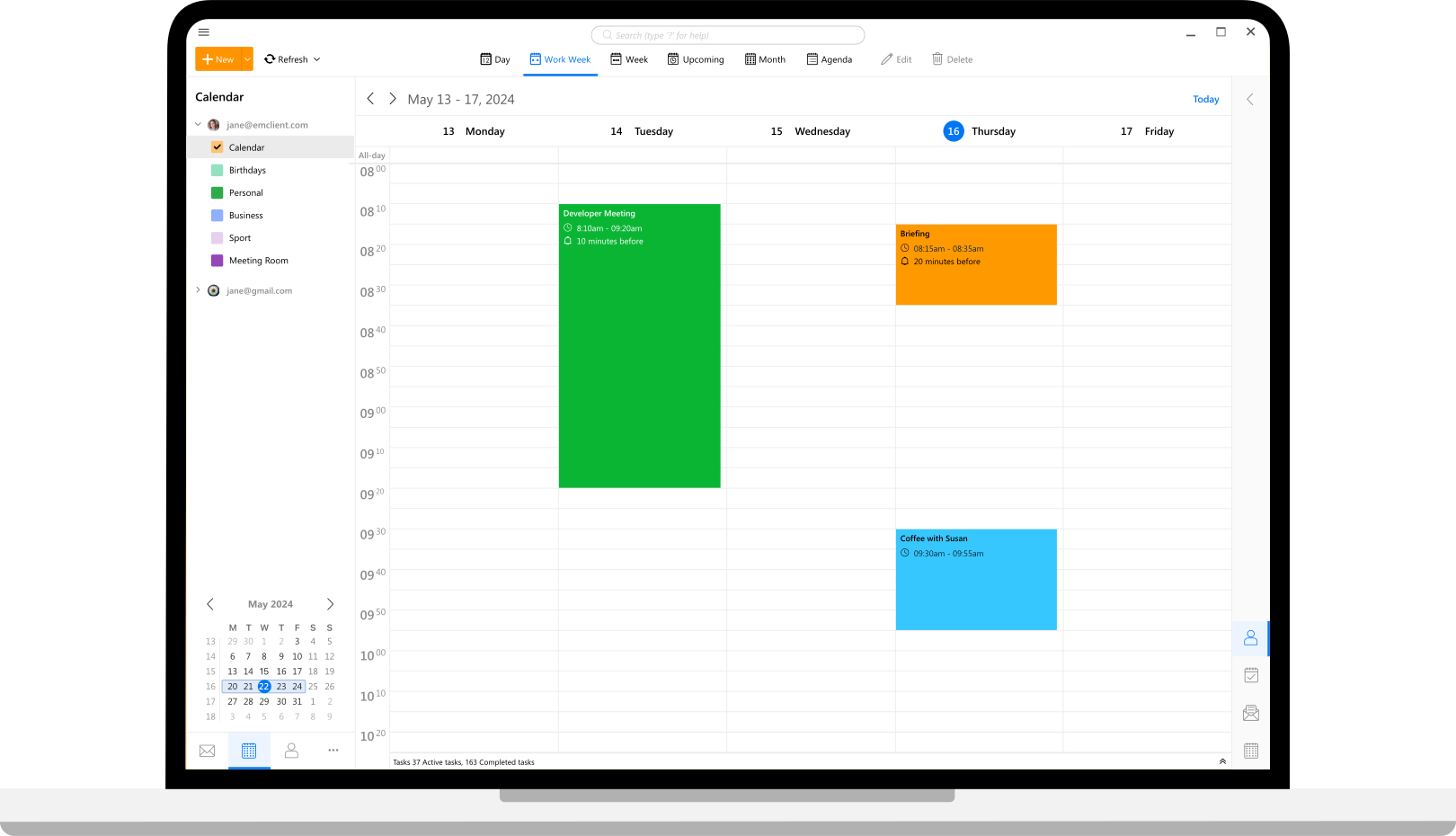
All-compatible productivity tool
eM Client's compatibility is unmatched. Connect to any email service - it will work.
-
 eM Client with Google Workspace
-
 eM Client with Office 365
-
 eM Client with Outlook
-
 eM Client with Exchange
- And many more
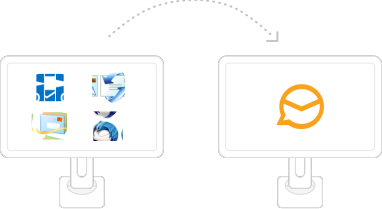
Super simple import
eM Client will set up everything automatically for most email services, and quickly import your data from all major email clients. This includes Microsoft Outlook, Outlook Express, Windows Mail, Thunderbird, Incredimail, and more.
Unique Sidebar
Quickly access contextual information that will boost your productivity even more. The sidebar with communication history, attachment history, calendar, agenda, and chat will save you a lot of time.
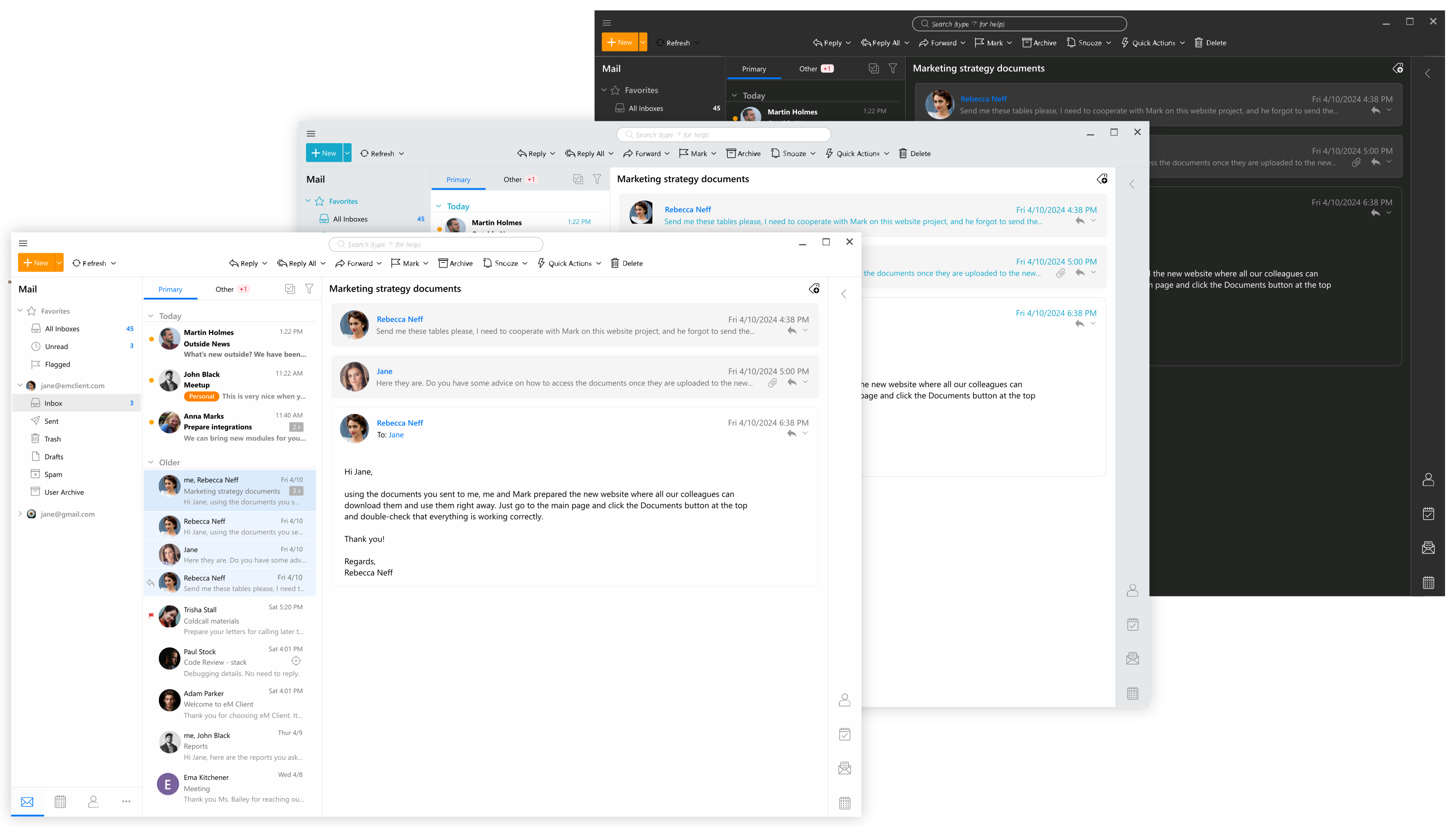
Make eM Client your own
eM Client is customizable in the most comprehensive way on the market. Adjust eM Client's behaviour to fit your routine and enhance your workspace with beautiful themes, including a Dark theme, or custom themes created by our users. You can also build your own theme with our unique theme editor.
Introducing Em Client, the ultimate email client designed to enhance your communication and productivity. With a sleek interface and powerful features, Em Client is perfect for both personal and professional use.
Stay organized with integrated Calendar and Tasks, ensuring you never miss an important deadline or appointment. Em Client takes your security seriously, offering Message Encryption to keep your communications safe. Enjoy seamless Full Exchange support and Full Gmail Sync, allowing you to access all your emails effortlessly.
Snooze incoming emails to tackle your inbox on your terms, and use the Watch for Replies feature to stay on top of important conversations. Capture your thoughts with Notes support, available both locally and on the server. Communicate instantly with built-in Chat functionality, and view all attachments in one convenient location.
Em Client integrates with popular online meeting platforms like Zoom, MS Teams, Google Meet, Webex, IceWarp, GoToMeeting, and Meetn, making it easy to connect with colleagues and clients. The software supports Touch and Gestures for an intuitive user experience, and Generative AI enhances productivity with smart suggestions.
Utilize Quick Actions (macros) to streamline repetitive tasks, and organize your accounts with Profiles and Account groups for efficient management. Experience the power and versatility of Em Client, your go-to email client for a more connected and productive life.
Compare eM Client to other products
What makes eM Client so exceptional
- Windows
- MacOS
- Android
- iOS
 |
 |
 |
 |
 |
||
|---|---|---|---|---|---|---|
| Highlights | ||||||
| Calendar and Tasks |  |
|
|
|
|
|
| Message Encryption | |
|
|
|
||
| Full Exchange support | |
|
|
|
||
| Full Gmail Sync | |
|
|
|
|
|
| Snooze incoming emails | |
|
|
|||
| Watch for Replies | |
|||||
| Notes support (local and server side) | |
|
|
|
||
| Chat | |
|
|
|||
| All Attachments View | |
|
||||
| Online Meetings (Zoom, MS Teams, Google Meet, Webex, IceWarp, GoToMeeting, Meetn) | |
|
|
|
||
| Touch and Gestures support | |
|
|
|
||
| Generative AI | |
|
|
|
||
| Quick Actions (macros) | |
|
||||
| Profiles | |
|
|
|||
| Account groups | |
|||||
| General | ||||||
| Multiple instances running simultaneously | |
|
|
|
||
| Inbox Categories | |
|
|
|||
| Chat collaboration services | |
|
|
|||
| Recent badges | |
|
|
|||
| Mentions | |
|
|
|
||
| Touch support | |
|
|
|||
| Swipe Gestures in the message list | |
|
|
|||
| Hi-res Display support | |
|
|
|
||
| Built-in Themes (inc. Dark Theme) | |
|
|
|
||
| Visual theme editor | |
|||||
| Custom Themes support | |
|
|
|||
| Account Avatars | |
|
||||
| Password Protection | |
|
|
|||
| Customizable Shortcuts | |
|
||||
| Customizable Toolbars | |
|
|
|
|
|
| Customizable Notifications | |
|
|
|||
| Agenda View | |
|
|
|
||
| Sidebar Calendar | |
|
|
|||
| Customizable Widgets | |
|
||||
| Backup | |
|||||
| Full offline access | |
|
|
|
||
| Deduplicator tool | |
|||||
| Searchable settings | |
|
||||
| Complete online documentation | |
|
|
|||
| Notes support (local and server side) | |
|
|
|
||
| Quick Filters | |
|
|
|
||
| Signature Library | |
|
|
|||
| QuickText Library | |
|||||
| Mail Protocols | ||||||
| IMAP | |
|
|
|
|
|
| POP3 | |
|
|
|
|
|
| Exchange (EWS) | |
|
|
|
||
| AirSync | |
|||||
| Mail Features | ||||||
| Conversations | |
|
|
|
|
|
| Communication History | |
|
|
|||
| Attachment History | |
|
||||
| All Attachments View | |
|
||||
| Full text search in attachments such as Word, Excel, PDF | |
|
|
|
|
|
| Advanced Search | |
|
|
|
||
| IMAP and Exchange/Office365 server search | |
|
|
|||
| Secure Communication (SSL/TLS) | |
|
|
|
|
|
| S/MIME support | |
|
|
|
||
| PGP support | |
|
||||
| Email rules | |
|
|
|
||
| Server rules for Exchange/Office365 and IceWarp | |
|
|
|||
| Read Receipt | |
|
|
|
||
| Delivery Receipt | |
|
|
|
||
| Watch for Replies | |
|||||
| Spell Check | |
|
|
|
|
|
| Mass Mail | |
|
|
|
|
|
| Delayed Send | |
|
|
|||
| Snooze incoming emails | |
|
|
|||
| Auto BCC | |
|
|
|
||
| Translation of Incoming Messages | |
|
||||
| Translation of Outgoing Messages | |
|
|
|||
| Templates | |
|
|
|
||
| Signatures | |
|
|
|
||
| Quick Text | |
|
|
|
||
| Tags | |
|
|
|
||
| Phishing Protection | |
|
|
|
||
| Password | |
|
|
|||
| Favorite Folders | |
|
|
|
||
| Smart Folders (Global) | |
|
|
|||
| Saved Search Folders | |
|
||||
| Smart Paste | |
|
|
|
||
| Emojis | |
|
|
|
|
|
| Stickers | |
|
|
|
|
|
| Gif support | |
|
|
|||
| One-click archive function | |
|
|
|
|
|
| Automatic Archiving | |
|
||||
| Automatic Replies (Out of Office) | |
|
|
|
||
| Cloud storage support for attachments (Dropbox, OneDrive, Google Drive, ownCloud, Nextcloud) | |
|
|
|
||
| Thread view | |
|
|
|
||
| Avatars | |
|
|
|
||
| Message preview | |
|
|
|||
| Tracking pixel detection | |
|||||
| Resend | |
|
||||
| Limited time sync | |
|
|
|
||
| Support for 3rd party PGP keys lookup services | |
|
||||
| Notes for email | |
|
||||
| Undo Send | |
|
|
|
||
| Import | ||||||
| MS Outlook | |
|
|
|
||
| MS Outlook Express | |
|
|
|||
| Windows Mail (Vista) | |
|
||||
| Windows Live Mail | |
|
|
|
|
|
| Thunderbird | |
|
|
|||
| Incredimail | |
|
||||
| The Bat! | |
|||||
| EML Files | |
|
|
|
|
|
| MBOX | |
|
||||
| iCalendar | |
|
|
|
||
| Contacts as Vcard | |
|
|
|
||
| Postbox | |
|||||
| Calendar Protocols | ||||||
| CalDAV | |
|
||||
| MS Exchange (EWS) | |
|
|
|
||
| Google Calendar | |
|
|
|
||
| iCalendar (Including Facebook Calendar) | |
|
|
|
||
| iCloud | |
|
|
|
||
| Office 365 | |
|
|
|
||
| Calendar Features | ||||||
| Day/Week/Month View | |
|
|
|
|
|
| Multicalendar View | |
|
|
|
|
|
| Custom Views | |
|
|
|
|
|
| Tags | |
|
|
|
|
|
| Scheduling (IMIP) | |
|
||||
| Free/Busy View | |
|
|
|
|
|
| Weather Forecast | |
|
|
|
|
|
| Reminders | |
|
|
|
|
|
| Advanced Recurrent Events | |
|
|
|
|
|
| Different backgrounds for Free/Busy/Tentative/Out of office | |
|
|
|
||
| Task Protocols | ||||||
| CalDAV | |
|
||||
| MS Exchange (EWS) | |
|
|
|
||
| Google Tasks | |
|
||||
| Office 365 | |
|
|
|
||
| Task Features | ||||||
| Tags | |
|
|
|
|
|
| Advanced Recurrent Tasks | |
|
|
|
||
| View Tasks Directly in Calendar | |
|
|
|||
| Contacts Protocols | ||||||
| CardDAV | |
|
||||
| MS Exchange (EWS) | |
|
|
|
||
| Google Contacts | |
|
|
|||
| iCloud | |
|
||||
| Office 365 | |
|
|
|||
| Contacts Features | ||||||
| Various contact views | |
|
|
|||
| Custom view | |
|
|
|||
| An exhaustive number of data fields | |
|
|
|
||
| Tags | |
|
|
|
||
| Easy contact merging | |
|
||||
| Automatic acquiring of contacts' avatars | |
|
|
|||
| Chat Features | ||||||
| Full Jabber (XMPP) protocol support | |
|
|
|||
| File transfer support | |
|
||||
| "Is writing" feature | |
|
||||
| Business Features | ||||||
| Easy central deployment (MSI packages) | |
|
|
|
||
| Managing users' settings centrally | |
|
||||
| Central management of Signatures | |
|||||
| Central management of Templates | |
|||||
| Central management of Quick Texts | |
|||||
| Advanced scheduling scenarios | |
|
|
|
||
| Global address list support | |
|
|
|
||
| Access Control | |
|
|
|
||
| Shared Folders support | |
|
|
|
||
| Customer support with remote access | |
|
|
|
||
| SMAPI support for automation | |
|
|
|
||